
Methods for AI application in analytics ✨
Cross-functional Collaboration | Executive Communication | EDA | Accelerated Learning | Technical Writing

AI Pair Programming for Cross-Functional Collaboration
My foundation in data structures and programming logic lets me pick up new languages quickly—AI tools accelerate that further. Working with JavaScript developers sparked my interest in React, so I built a chatbot prototype over a weekend using ChatGPT for scaffolding and CoPilot in Visual Studio for implementation.
Understanding product implementations at this level means I participate in solutions, not just translate requirements.

AI Executive Communication and Coaching
I use Claude as a constant feedback loop. For executive updates, I transform detailed analysis into executive formats—top-line insights first, supporting details below. Before difficult conversations, I rehearse scenarios and test different approaches. For strategic planning, I stress-test assumptions and identify blind spots I might have missed.
AI doesn’t replace human mentors, but it fills the gaps between them. I get feedback on demand rather than waiting weeks for the next 1:1.
AI Exploratory Data Analysis
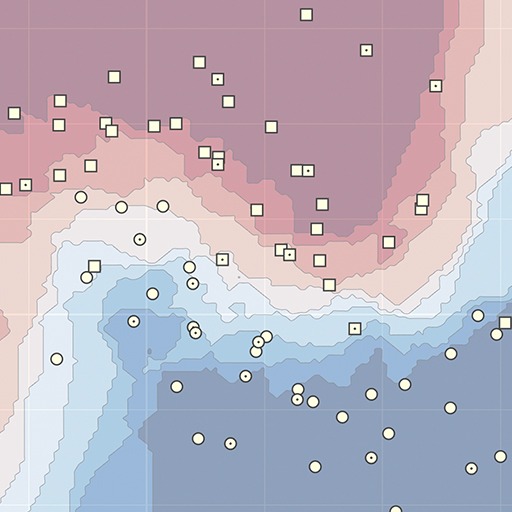
I’ve had massive efficiency gains using AI to speed up exploratory data analysis—it’s like a complex find-and-replace for code. Instead of writing visualization scripts from scratch, I prompt AI to generate R and Python code that reveals data patterns instantly.
For data cleaning, I rapidly create visuals to spot outliers, understand their impact, and prompt solutions. In Excel, Claude writes complex transformation formulas without the usual battle with parentheses and commas.

AI Powered Learning for Advanced Analytics
While completing advanced mathematics and statistics coursework, I’ve used AI as an on-demand tutor. When I get the right answer but don’t understand why an alternative approach failed, I ask for clarification. When stuck, I describe my attempted approach and ask about the underlying principles.
This builds genuine understanding rather than just getting answers. I’ve learned more from explaining my confusion to an AI than from passively reading solutions.
AI Accelerated Technical Writing
I use AI for iterative editing, not writing. I draft my outline and content first, then paste one paragraph at a time with focused prompts: “edit for clarity” or “improve engagement while maintaining technical accuracy.” I incorporate elements from the output rather than copying wholesale.
For technical content, I go through multiple rounds, each sharpening different aspects while preserving my voice. Understanding that LLMs struggle with long documents shapes how I structure these prompts.